A doctor appointment with aphasia is easier to navigate when the person prepares a short written plan, tells the office how communication works best, and remains the main participant in the conversation. Bring no more than three priority questions, use writing or pictures as needed, allow extra response time, and confirm the next steps in a clear written format before leaving.
How to prepare before the appointment
Start by making the visit predictable. Confirm the day, time, location, clinician’s name, and whether the appointment is in person, by phone, or by video. If the office has an online portal, look for check-in instructions and forms early enough that nobody has to rush through them in the waiting room.
Preparation should support participation, not create a test. The person with aphasia does not need to rehearse perfect sentences. Instead, identify the purpose of the appointment and the communication methods that make it easier to share and understand information.
The National Aphasia Association’s guide to going to the doctor recommends preparing questions, bringing communication supports, and allowing the person with aphasia to lead. It also recognizes that appointments may involve forms, fast-paced conversation, and follow-up steps. Those barriers can be reduced before the visit begins.
A simple preparation conversation might include:
- What is the main reason for this routine visit?
- What are the three most important questions?
- How does the person want to communicate today?
- Who, if anyone, should come as a support person?
- When should the support person speak, and when should they wait?
- What information should the office provide in writing?
Create a one-page appointment plan
A single page is often more useful than a large folder that is difficult to search while someone is talking. Put the most important information at the top and leave room for notes. The plan is a communication aid, not a medical record and not a substitute for the information requested by the clinic.
What to place on the page
- Purpose: one short phrase describing why this routine appointment was scheduled;
- Priorities: up to three questions, written in the person’s own words;
- Communication: for example, “Please speak directly to me,” “Give me time,” or “Write key words”;
- Answer choices: space for yes, no, not sure, or several specific options;
- Support person: their name and the kind of help the person with aphasia wants;
- Notes: a blank area for the clinician’s explanation and agreed next steps.
Use short sentences, generous spacing, and clear headings. The article on making written information aphasia-friendly offers more ideas for turning a crowded page into a usable adult document.
If the person already uses a book or board, add an appointment page rather than building a completely new system. The guide to making a printable communication board or communication book explains how to organize personalized words, pictures, and choices.
Ask for communication supports
Contact the office before the appointment when possible. Use the patient’s preferred method, such as the portal, a phone call with support, or an in-person request. Explain the access need in practical terms: more response time, key information written down, reduced distractions, or permission for a chosen communication partner to be present.
The American Speech-Language-Hearing Association’s communication access framework encourages health professionals to ask about communication preferences, speak directly to the person, confirm understanding, reduce distractions, slow the pace, and support more than one communication method. ASHA’s related communication aids resource includes plain language, highlighted key words, questions with choices, writing, gestures, pictures, communication boards, and planning tools.
A short request the office can understand
“I have aphasia. Please speak directly to me, use short clear sentences, write key words, and give me time to answer. My support person will help only when I ask.”
This message can be printed, saved on a phone, or added to an aphasia identification card. See how an aphasia ID card can explain communication needs without requiring a long spoken introduction.
Ask for supports that match the individual. A picture board may help one person and distract another. Yes-or-no questions can be useful only when the person’s answers are dependable. If they are not, use the confirmation methods in the guide to checking what “yes” and “no” mean with aphasia.
Make check-in and waiting easier
Reception desks can be noisy, forms can be dense, and staff may be working quickly. Arriving with a plan reduces the number of decisions that must be made under pressure.
- Complete available forms in advance when the person wants help and has time to review them.
- Bring reading glasses, hearing devices, or the person’s usual communication aid when applicable.
- Show the communication card at check-in instead of repeating a long explanation.
- Ask staff to write down unexpected questions or provide clear choices.
- Choose a quieter place to wait if one is available.
- Keep the appointment page and a pen where they are easy to reach.
Help with forms should be transparent. Read or summarize the exact item, show where the answer will go, and let the person indicate the response. The broader guide to helping with forms without taking over provides a useful consent-and-confirmation approach.
Stay in the conversation during the visit
Place the one-page plan where everyone can see it. At the start, the person with aphasia or their support person can point to the communication request. Then the clinician should direct questions to the patient and allow time for a response.
Use more than speech
Communication can move among speech, writing, pointing, gesture, drawing, pictures, and typed words. A response does not have to be a complete spoken sentence to be meaningful. If a word is unclear, identify the general topic first and then narrow the choices. The step-by-step communication rescue plan can help when a message breaks down.
Keep one topic visible
Write a key word for the current topic and finish that topic before moving on. For example, write “question 1,” then record a few important words from the answer underneath it. This gives the person a visual place to return to if the conversation moves too quickly.
Confirm both directions
The clinician needs to understand what the patient means, and the patient needs accessible information in return. Use a short recap after each important point. The person might point to a written option, repeat a key word, or indicate “I understand,” “say it another way,” or “write it down.”
How a care partner can help without taking over
Before the visit, agree on the care partner’s role. The person with aphasia may want help taking notes, remembering a prepared question, or repairing a communication breakdown. They may not want the partner to answer every question or make decisions for them.
A respectful care partner can:
- sit where the patient can see both the partner and the clinician;
- wait while the patient responds;
- point to the prepared page instead of speaking immediately;
- ask, “Do you want me to help?” before stepping in;
- say when they are unsure instead of guessing;
- redirect the conversation to the person with aphasia if others begin speaking around them;
- take notes in the format the patient chose.
The goal is supported participation. The support person is a bridge, not a replacement voice.
Three practical appointment scenarios
Scenario 1: A routine checkup
Jordan brings a one-page plan with two questions and the request “Write important words.” At the beginning, Jordan hands the page to the clinician and points to the first question. The clinician gives a short explanation, writes three key words, and pauses. Jordan points to “say it another way” once and then marks the first question complete.
Jordan’s spouse takes notes but does not answer questions unless Jordan asks. At the end, Jordan and the clinician review the written next steps together.
Scenario 2: A specialist appointment
Priya expects unfamiliar terms. She asks the office in advance for additional response time and brings a small board with “yes,” “no,” “not sure,” “please write it,” and “I have a question.” The specialist speaks directly to Priya and writes one key term at a time.
When an explanation becomes hard to follow, Priya’s brother points to “please write it” rather than explaining for her. Priya chooses which of her prepared questions to ask before the appointment ends.
Scenario 3: A telehealth follow-up
Sam places the appointment page beside the screen and joins from a quiet, well-lit room. The clinician’s name is visible on screen. Sam uses the chat box for a prepared question and asks the clinician to type important words there. A friend sits nearby for backup but stays out of the camera frame until Sam requests help.
Before the call ends, Sam saves the written summary provided through the usual clinic system. For more setup ideas, see the guide to video calls with aphasia.
Confirm information before leaving
Leave time for a final communication check. The purpose is not to quiz the patient. It is to make sure the information exchanged during the visit is accessible and that unanswered questions are visible.
The American Stroke Association’s PACE approach to preparing for medical visits emphasizes preparing questions, asking for clarification, and reviewing what was heard. For a person with aphasia, that review may use speech, writing, pointing, or a support person.
Before leaving, confirm:
- Which prepared questions were answered?
- Which question still needs a response?
- What are the next administrative steps?
- Where will written information appear?
- Who should be contacted if the written summary is unclear?
- Does the person with aphasia agree with the notes or want something corrected?
This article is for planned, routine appointments. If a situation is urgent or involves emergency services, use appropriate local emergency help; the separate aphasia emergency communication plan focuses on preparation for 911, the ER, and first responders.
Common mistakes to avoid
- Bringing too much material. Keep the priority page visible and place optional background documents behind it.
- Trying to say everything perfectly. Key words, pointing, drawing, and prepared text are valid communication.
- Waiting until the room is busy to explain communication needs. Tell the office early when possible and show the request again at the start.
- Asking several questions at once. Keep one topic visible, allow a response, and then move to the next.
- Relying on yes or no without checking reliability. Add written choices or ask the person to confirm the same idea another way.
- Speaking only to the care partner. Address the person with aphasia and ask how they want support.
- Finishing the person’s sentences automatically. Wait, then ask whether help is wanted.
- Leaving without a usable summary. Ask for key information in a format the person can review later.
Doctor appointment checklist
Before the visit
- Confirm the time, place, clinician, and visit format.
- Choose up to three priority questions.
- Prepare one page with communication preferences and room for notes.
- Ask the office for needed communication supports.
- Decide whether a support person will attend and define their role.
- Pack the person’s usual communication tools.
During the visit
- Show the communication request at the start.
- Keep one topic and its key words visible.
- Use speech, writing, pictures, gesture, or pointing as preferred.
- Pause for responses and ask before helping.
- Mark answered questions and record unclear points.
Before leaving
- Review the main information in an accessible format.
- Confirm the next administrative step and where written information will appear.
- Check that the person with aphasia agrees with the notes.
Frequently asked questions
What should I tell the doctor’s office about aphasia?
Describe the practical communication support needed. For example: speak directly to me, slow the pace, use short sentences, write key words, give me time to answer, and allow my chosen support person to help when I ask.
Should a person with aphasia bring someone to the appointment?
Only if the person wants that support or it is otherwise appropriate for the situation. Agree on the partner’s role beforehand. A partner can take notes or help repair communication without answering automatically.
What if the person cannot explain everything aloud?
Use prepared text, key words, writing, pictures, gesture, pointing, or a communication board. The aim is accurate exchange and participation, not perfect speech.
How many questions should be prepared?
Start with no more than three priorities. More questions can be kept on a second page, but marking the most important ones reduces the chance that they are lost when time is limited.
Can a smartphone help during the appointment?
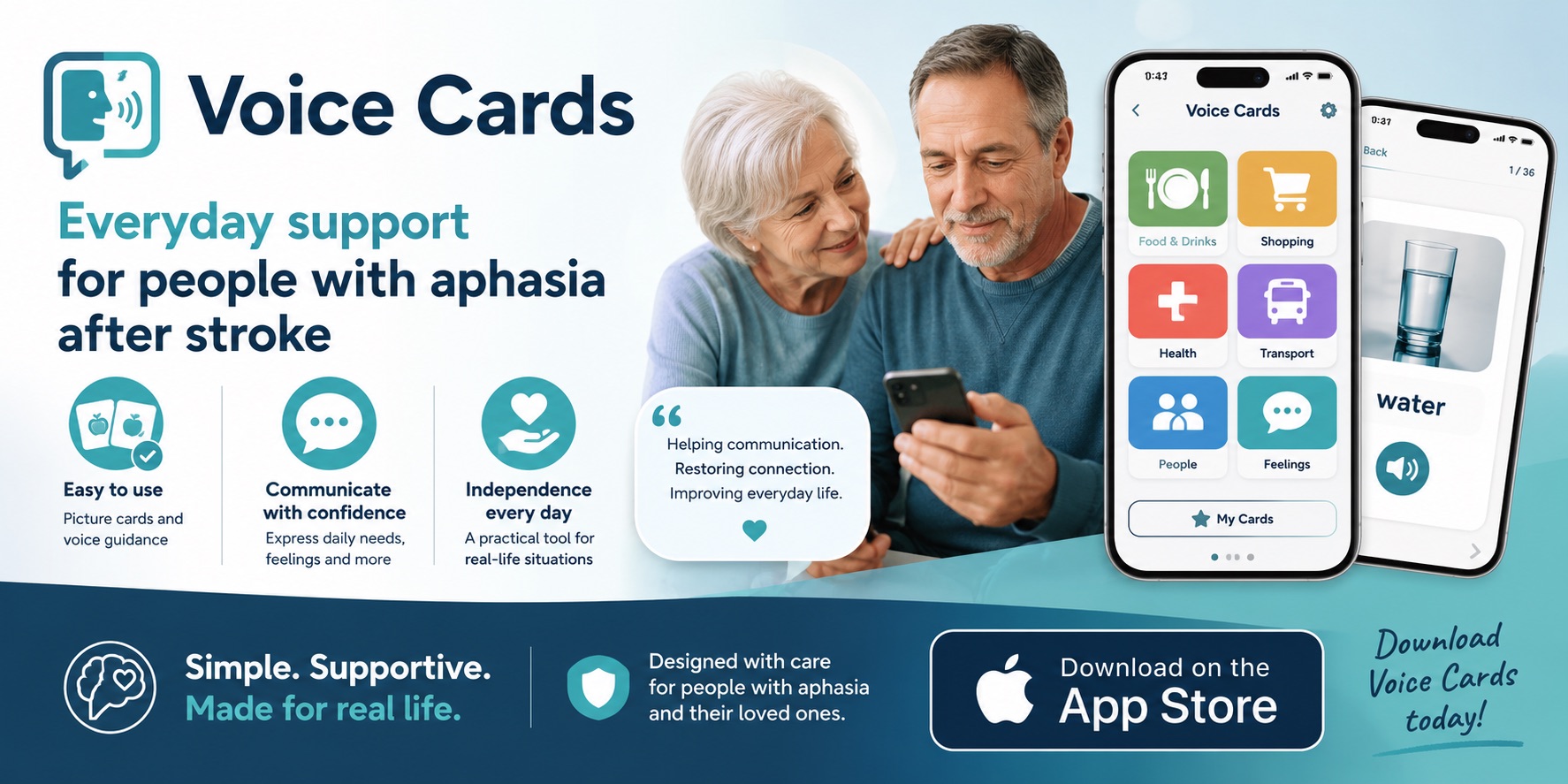
It may hold the appointment plan, a communication message, typed key words, or a portal summary. Reduce notifications and keep the needed screen easy to find. The guide to using a smartphone with aphasia offers broader setup ideas.
What if the appointment is moving too fast?
Use a prepared message such as “Please slow down,” “One question at a time,” or “Please write the key word.” A support person can point to that message and ask for a pause if the person wants help.
A calm next step
Before the next routine appointment, make one page with the visit purpose, three questions, and three communication preferences. Ask the person with aphasia which parts they want to handle independently and where they want backup. Bring that page, use it at the start, and review it together before leaving.
The goal is not a flawless conversation. It is a visit in which the person with aphasia has a genuine way to ask, answer, understand, choose, and remain at the center of their own healthcare conversation.